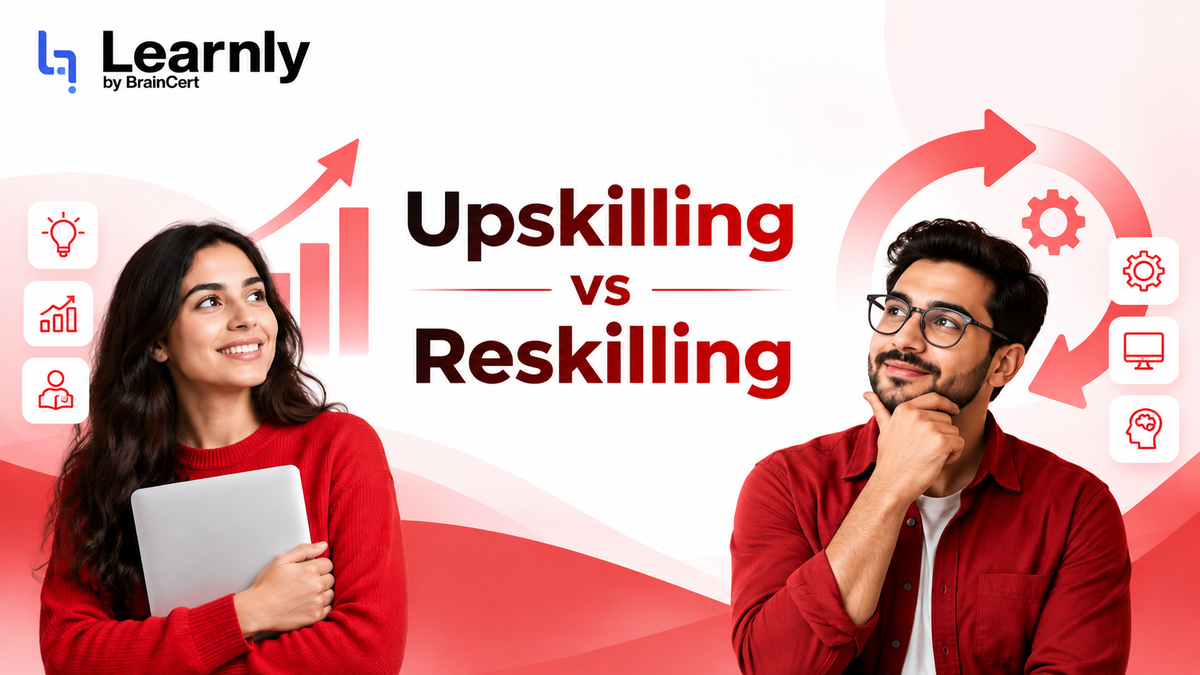
Every L&D leader hits this wall. Upskill or reskill?
Most teams need a mix of both, but the balance shifts constantly. Choose wrong, and you squander budget, demoralize staff, and weaken your company's future. Yet too many leaders still rely on gut feeling. Enough. Time to apply some rigor.
What Upskilling Actually Means
Upskilling is depth. You're staying in lane. Think of a marketing manager mastering advanced analytics, a nurse practitioner gaining a new specialty, or an accountant learning fresh revenue standards. The job title stays the same. Core skills remain relevant. The gap closes in weeks to months. The employee aims to grow in their domain.
Upskilling misfires when used to patch a role that's disappearing. Like forcing new software onto a position being phased out. Don't do that.
What Reskilling Really Involves
Reskilling means shifting laterally. It prepares individuals for different jobs as automation or outsourcing transforms their current roles. Examples include data entry clerks becoming data analysts, retail associates moving to customer success, or Java developers transitioning to ML engineering.
This process costs more. It stirs emotions. Higher stakes. When done right, it boosts retention. When mishandled, it feels like a disguised layoff. Here's the hard truth: too many reskilling programs are little more than soft layoff notices. Don't do that. If there's no destination role, don't start the journey.
Why the Line Is Blurring
Definitions blur in practice. A backend engineer learning ML with Python? It's a blend. A sales rep using an AI CRM? Mostly upskilling. A factory worker with cloud-connected machinery? Hard to categorize.
Skip the labels.
Focus on this: how much of the current role remains in 18 months? That's your guiding metric.
The Real Cost of Choosing Wrong
Getting it wrong has real costs. Upskilling those who should reskill creates experts in obsolete skills. Reskilling unwilling employees destroys trust. Doing nothing lets gaps widen, hiring costs soar, and top talent leave. The damage hits retention first, then slows products, and eventually weakens leadership.
A 5-Question Diagnostic Framework
Stop approving budgets blindly. Run your team through these five questions. A 30-minute session with HR and line managers suffices.
1. Is the role itself changing, or just the tools?
If only the toolkit shifts, it's upskilling. If primary outputs are redefined, it's reskilling. Rule of thumb: compare job descriptions from two years ago and two years hence. Over 70% overlap? Upskill. Under 40%? Reskill.
2. How big is the skill gap, honestly?
Estimate the time to close the gap with full motivation. Under three months: upskill. Three to nine months: reskill with upskilling. Over nine months: reskill. Be ruthless. Managers often underestimate gaps.
3. What's your time horizon?
Upskilling suits short-term needs: a product launch next quarter, a compliance deadline this year. Reskilling answers long-term pivots when hiring can't keep up. Don't choose upskilling for safety. You'll just delay necessary reskilling.
4. What's the employee's appetite for change?
This question is often skipped. Critical mistake. A perfect reskilling program fails if the employee resists. Hold career conversations before designing curricula. Build L&D around explicit, employee-validated moves.
5. What's your external talent market?
If needed skills are scarce and expensive, reskill existing staff. It's cheaper and faster. If skills are abundant, upskill key roles and hire the rest. Geography, industry, and brand affect this math.
Three Real Scenarios
Scenario 1: The Marketing Team
A B2B team must own revenue pipeline metrics. The role exists, but expectations change.
Verdict: Upskill. Create a learning path in marketing analytics, attribution, and SQL. Six-month program, same title, higher expectations.
Scenario 2: The Operations Team
A logistics firm automates 60% of dispatch coordinator roles. Some stay redefined; others need new careers.
Verdict: Reskill selectively. Identify those wanting to move into operations analyst, fleet tech, or customer success. Pair tracks with clear destination jobs.
Scenario 3: The Engineering Team
Half the team writes backend services; the roadmap shifts to AI features.
Verdict: Hybrid. Upskill backend engineers in AI integration and prompt engineering. Reskill a few into dedicated AI roles. Don't force all to become AI engineers. It dilutes strengths.
How Learnly Helps You Decide Faster
Spreadsheets don't cut it anymore. This is where we built Learnly to close the gap. Our Skills & Competency Engine gives you a live skill map for every employee- weak, medium, strong, or at mastery, per skill- so you know who knows what without chasing down managers for a guess. From there, our gap analysis runs automatically against each person's actual job role, not a generic benchmark, and surfaces the specific training needed to close it.
Personalized learning paths then adapt to the individual, supporting upskilling and reskilling side by side in the same system, including on-the-job training with observer sign-off for roles where "completed the course" isn't the same as "can actually do the job." Teams using role-based paths like this cut onboarding time by 60% on average.
This isn't about automation for its own sake. It's about replacing gut-feel budget decisions with a skills map you can actually see.

Ready to see where your team actually stands?
Run a free skills gap analysis with Learnly
Try LearnlyTo Conclude
Common mistake: choosing training first. Reverse it. Map current skills against future needs. The gap shows where to upskill, reskill, or hire externally. Run this quarterly. The upskilling vs reskilling debate becomes a routine, data-backed decision. Your employee reskilling strategy depends on it. Stop guessing. Start mapping.